Run your CNC router from a Mac
SwarfGRBL streams G-code to a GRBL controller over USB, shows the cut live in 3D, and checks each job before the spindle starts.
Free and open source. Needs macOS 26, on Apple silicon or Intel. Signed and notarized by Apple, and it updates itself.
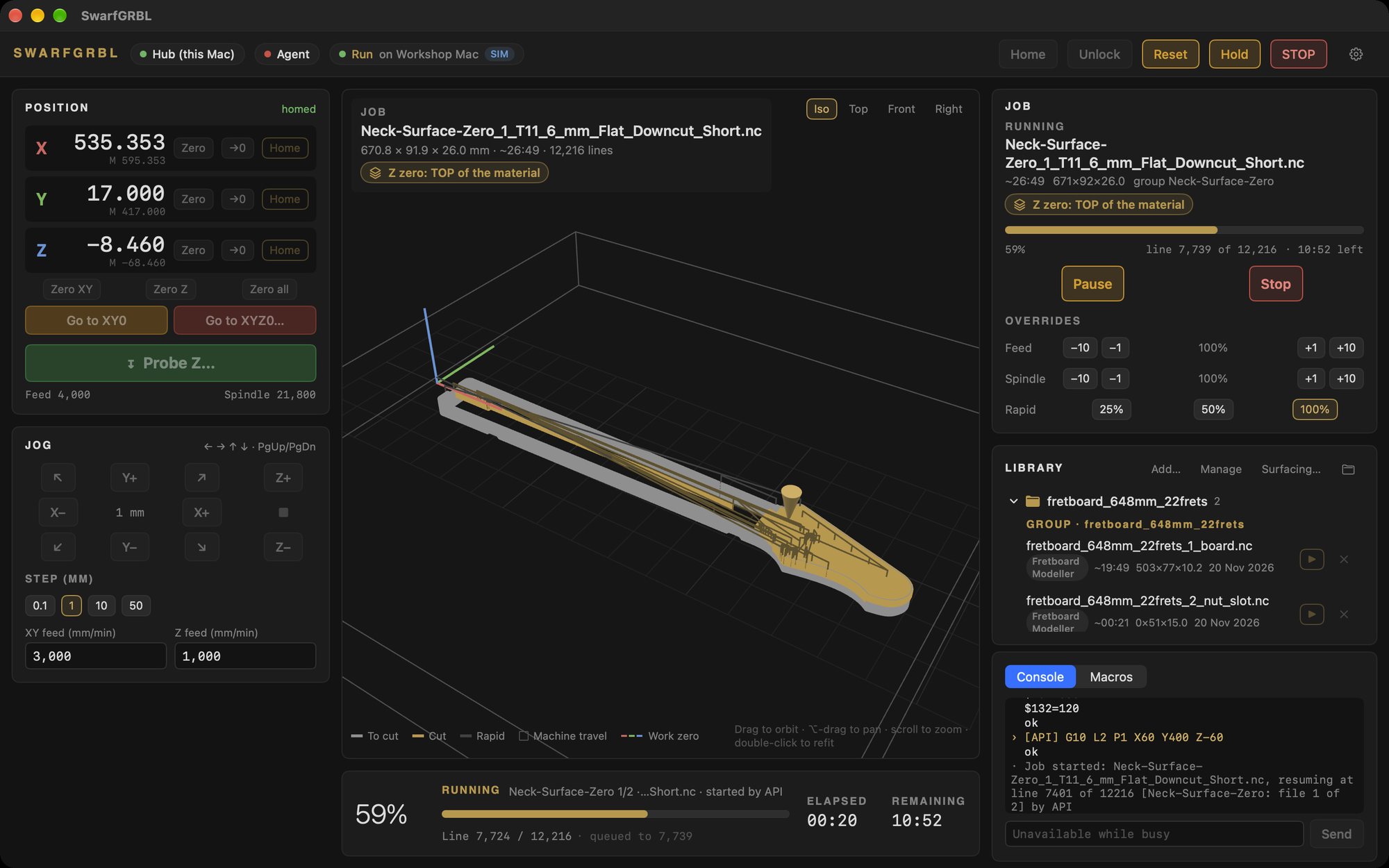
A last look before the spindle turns
Start shows the run time, the extents of the cut, the work zero and where the tool is now, alongside a short checklist: stock clamped, the right bit, Z zeroed on the right face, dust extraction on.
Once the machine is homed, a job that would run past its travel is refused, naming the axis and how far over it goes. On connecting, the controller's settings are compared with what the machine needs, with a fix offered for any that differ.
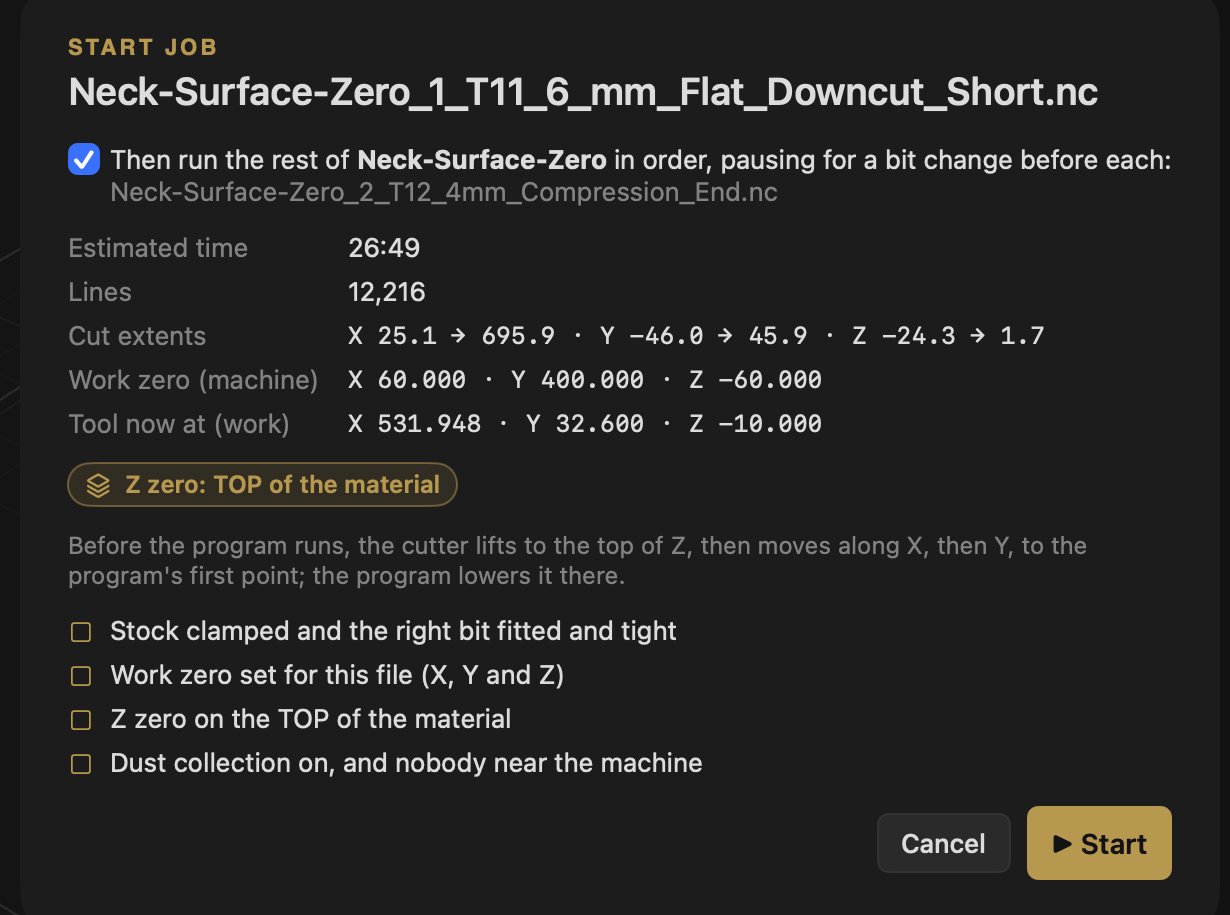
The same library on both Macs
Design at the desk and cut in the workshop. Whichever Mac has the machine on USB runs the job from its own copy of the file, so a Wi-Fi drop can't starve the controller. Hold and Stop work from either Mac.
Jobs live in ordinary folders in Documents. Add, rename or move them in Finder or the app and the change reaches the other Mac within seconds. Earlier versions and deleted files are kept for 30 days.
One Mac is enough. The second is there when the machine isn't next to your desk.
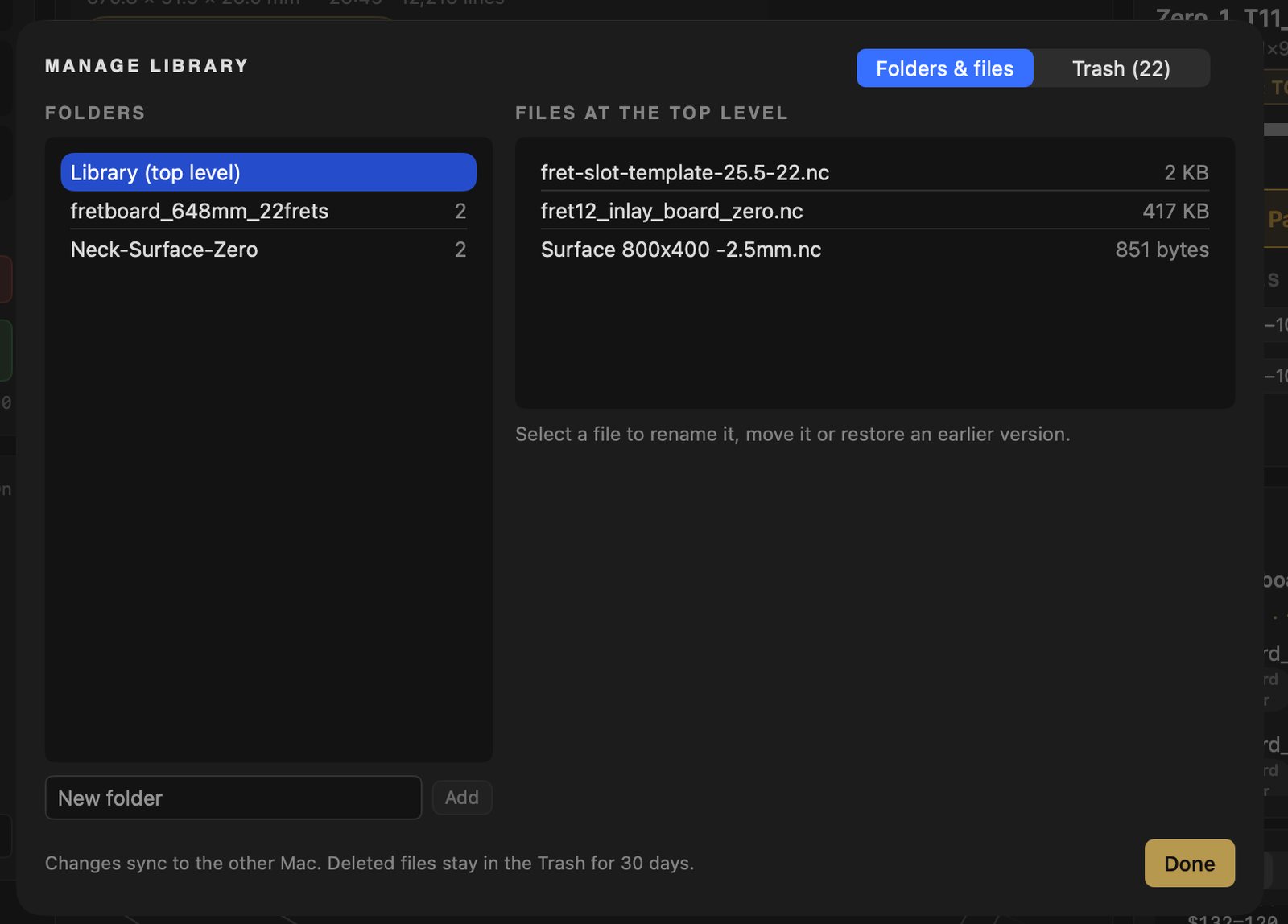
While it cuts
Progress you can trust
Percent done and time left follow how long each line takes, not how many lines there are, so long cuts and quick moves are weighed properly.
Pause, stop, resume
Pause lifts Z clear and turns the spindle off. After a stop, resume from the line the cutter was on, or any line, with a safe lead-in.
Bit changes
Multi-bit jobs arrive as a group, one file per bit. Each file ends with the spindle off and the steps for the next bit.
Touch-plate probing
The probe input shows live so you can test the circuit, then Z is found with a fast touch and a slow one.
Overrides
Feed, spindle and rapid overrides stay on screen through the job, and jogging and typed G-code are refused until it ends.
A simulator built in
Switch to the built-in simulator to try every button, or rehearse a job, before the real machine is involved.
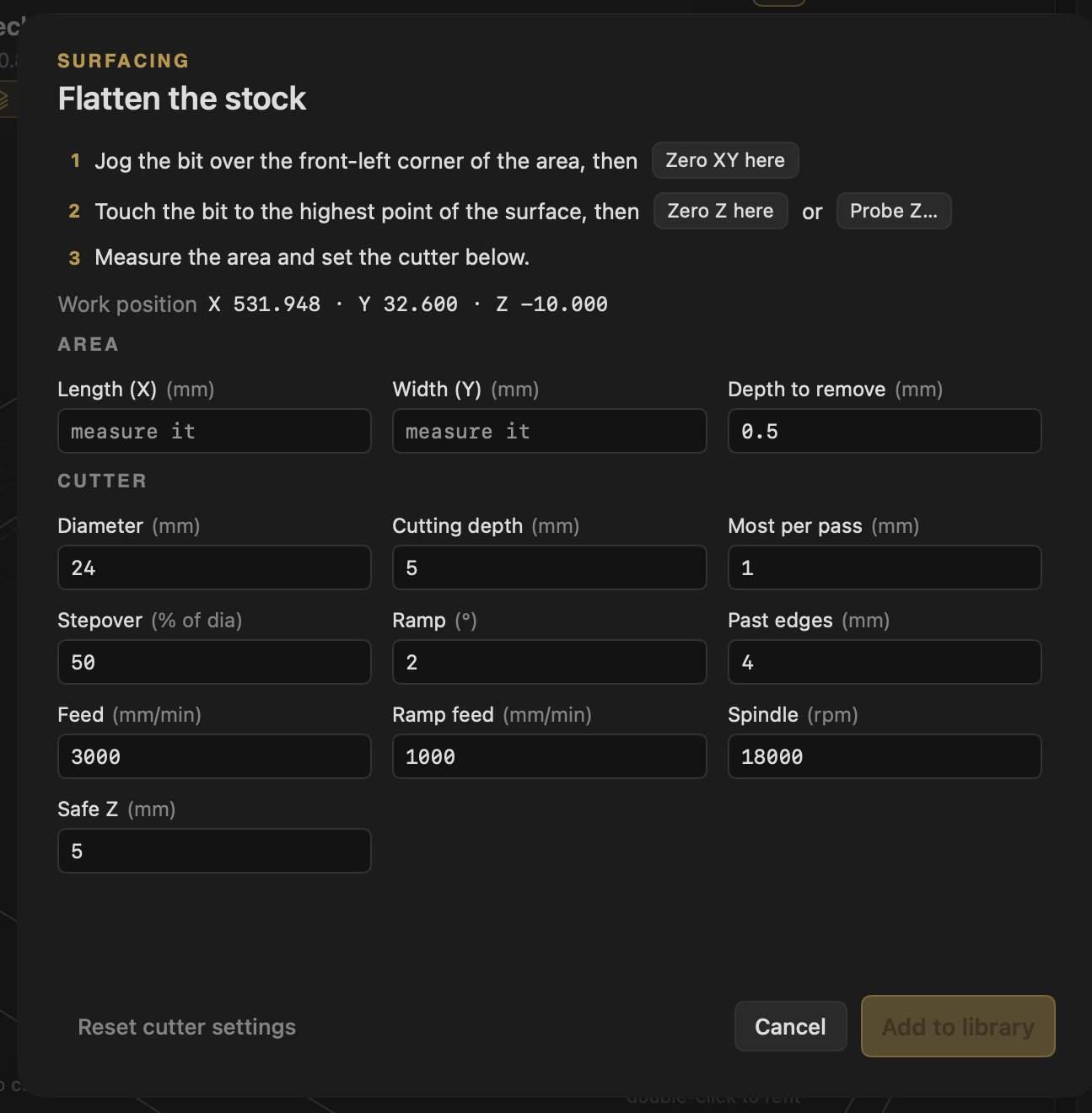
Flatten the spoilboard without CAM
Zero on the front-left corner and the highest point, enter the area and the cutter, and SwarfGRBL writes a surfacing program into the library.
It ramps into each pass rather than plunging, zigzags across with the stepover you choose and runs past the edges for a clean finish. Your cutter settings are kept for next time.
About it
- Machines
- Written for and used daily on a FoxAlien XE-Ultra 8080. Other GRBL 1.1 controllers on USB serial should work; grblHAL and FluidNC speak the same protocol. Not affiliated with FoxAlien.
- Getting jobs in
- SwarfPath sends its G-code straight to the library, grouped by bit. You can also drop files into Finder or add them in the app.
- Requirements
- macOS 26 or later.
- Licence
- MIT. The source and a two-Mac setup guide are on GitHub.
- Safety
- A CNC router can hurt you. Keep the emergency stop within reach and never leave a job running unattended.